
Technology is running your business.
Who’s Leading It?
PC HELP provides seasoned IT leadership for the _AI era_, visibility, and accountability.
Social Proof
Trusted by Businesses That Depend on Technology
For over _30 years_ , companies have relied on PC HELP to keep their systems stable, secure, and aligned with how their business operates.
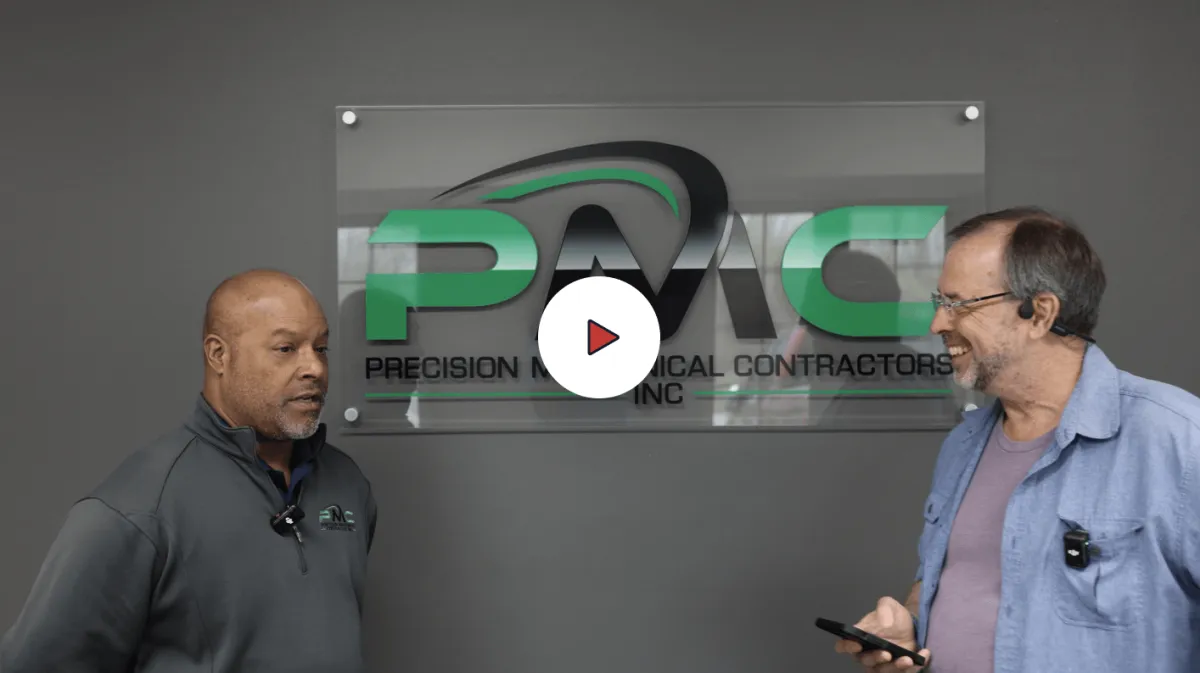
Long-term client relationships.
Nelson Jordan, Precision Mechanical
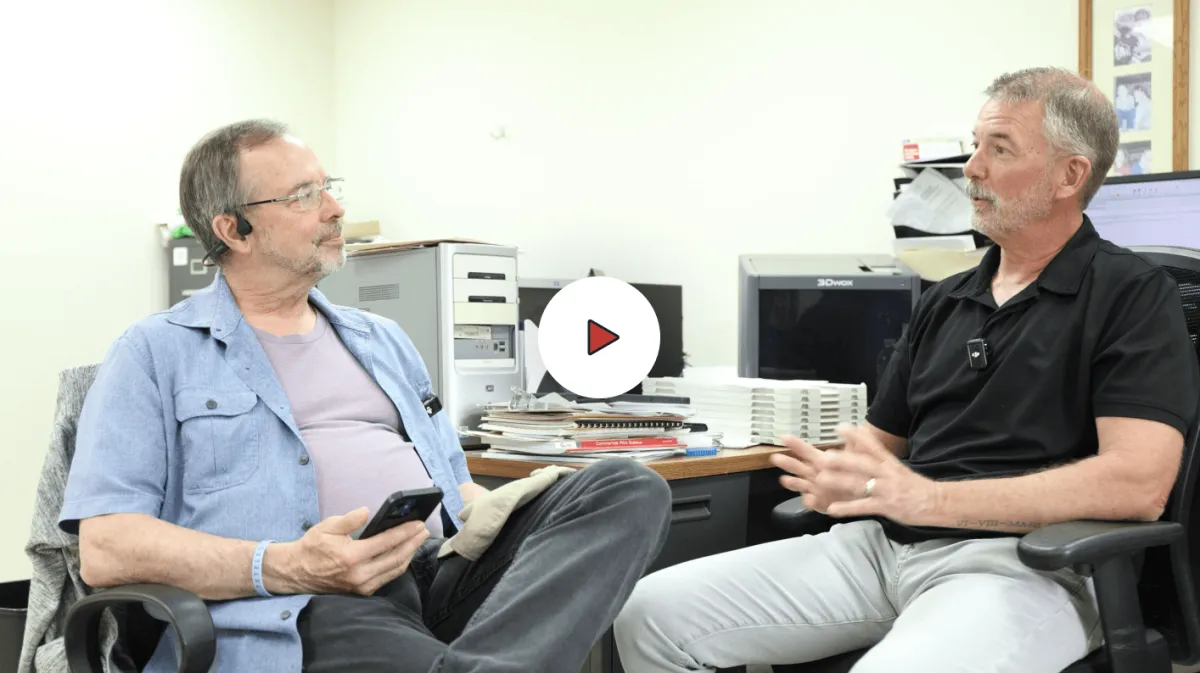
Consistent, practical guidance
Terry Corbin, System Science Institute
Long-term client relationships.
Consistent, practical guidance
Technology that works the way it should
Trusted by businesses since 1990







PROBLEM DEFINITION
Technology Now Sits at the Center of Your Operations
When it works, everything moves.
When it doesn’t, everything slows — or stops.
Teams lose access
Work stalls
Customers feel it
Risk increases quietly

Most businesses don’t fully see this dependency until something breaks.
PROBLEM DEFINITION
The IT Leadership Gap
Technology is critical — but no one owns it at a _leadership_ level.
Instead, businesses rely on:
Reactive IT providers
Ticket-based support
Multiple vendors
Internal staff handling IT part-time
Each piece functions.
But no one is accountable for:
Strategy
Coordination
Risk
Long-term planning
That gap is where problems begin to compound.
PROBLEM DEFINITION
A More Responsible Way to Run IT
PC HELP fills the gap between _IT support_ and _IT leadership_.
We act as:
Your outsourced IT department
Your strategic technology advisor
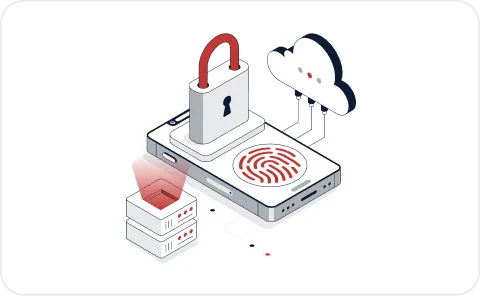
Your cybersecurity oversight partner
This changes how your technology operates.
From:
To:
Fragmented
Coordinated
Reactive
Proactive
Unclear
Accountable
We don’t just fix issues.
We take responsibility for the system as a whole.
COMPARISON
Most IT Support Looks Like This
Break/Fix IT
Problems get fixed after disruption
No visibility between issues
No ownership of outcomes
Traditional MSP
Tickets are resolved
Systems are monitored
Strategy is limited or reactive
Differentation
What Changes with PC HELP
Fractional IT Leadership
Ongoing accountability for your entire environment
Systems designed to work together
Clear visibility into risk and dependencies
Decisions guided by a structured plan
This isn’t an upgrade in support. It’s a different way of operating.
SERVICES / RESPONSIBILITY
What We Take Responsibility For
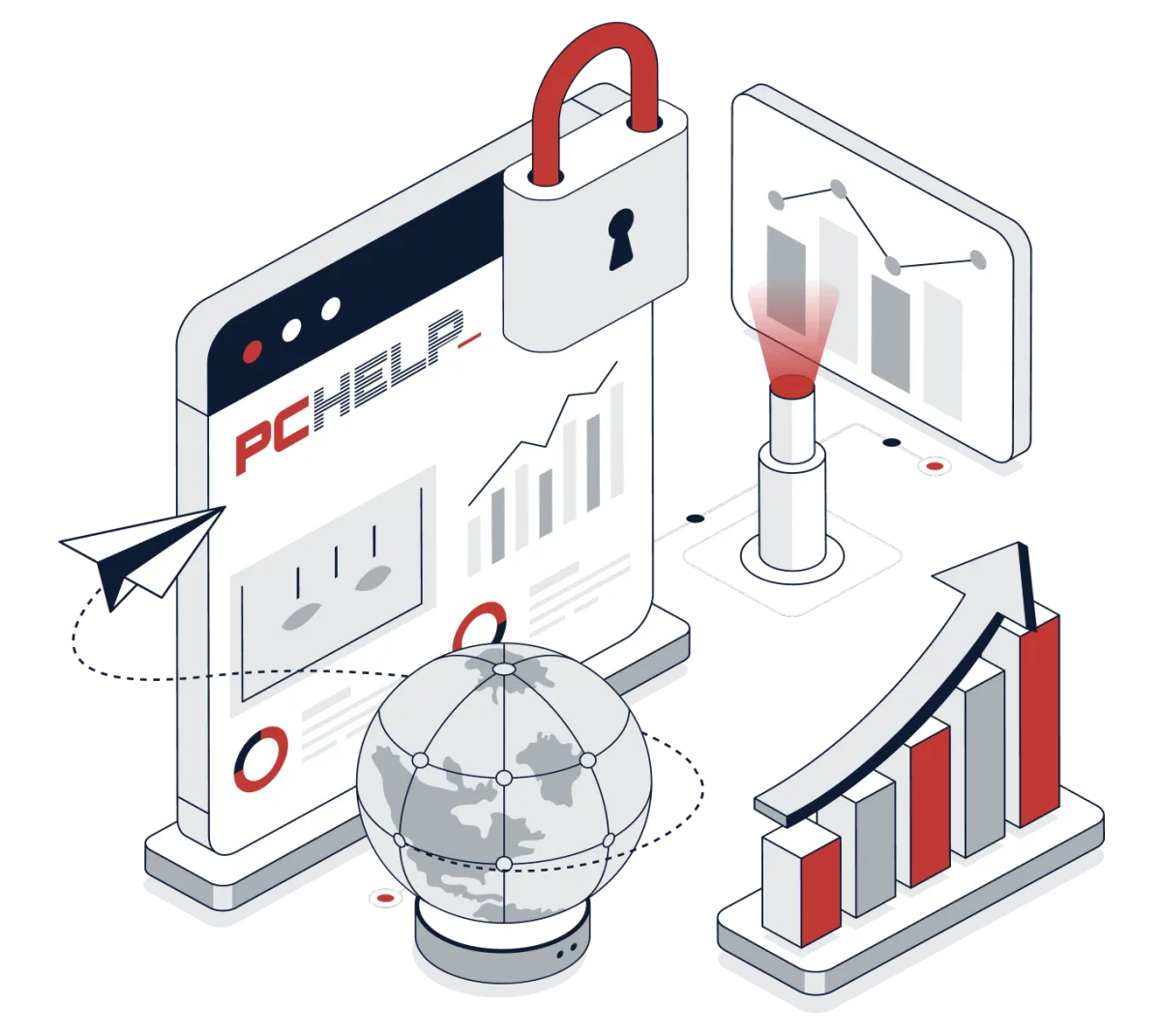
We manage your _entire technology environment_ —not just individual systems.
Core Areas of Oversight
Managed IT Operations
Reliable day-to-day performance
Cybersecurity Management
Visibility, protection, and response
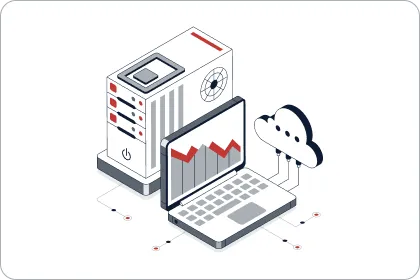
Cloud Infrastructure
Structured and scalable environments
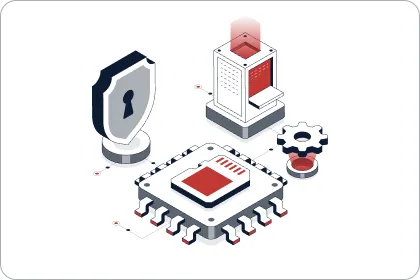
Backup & Disaster Recovery
Preparedness when it matters most
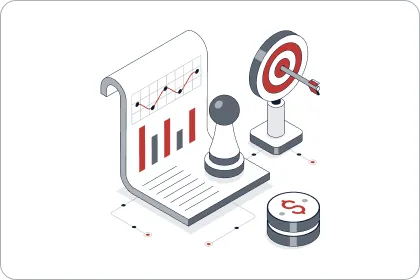
Strategic IT Planning
Clear direction for future decisions
You don’t have to coordinate vendors, systems, and decisions separately. We handle it as one system.
AI
Responsible AI Adoption
AI is already entering most business environments — often without structure or oversight.
That creates both _opportunity_ and _risk_.
PC HELP helps you:
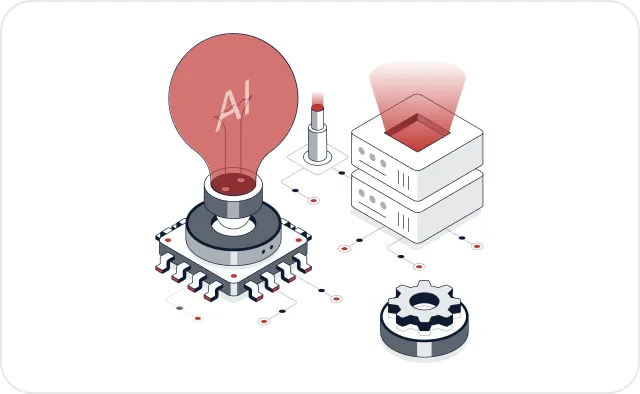
Identify where AI makes sense
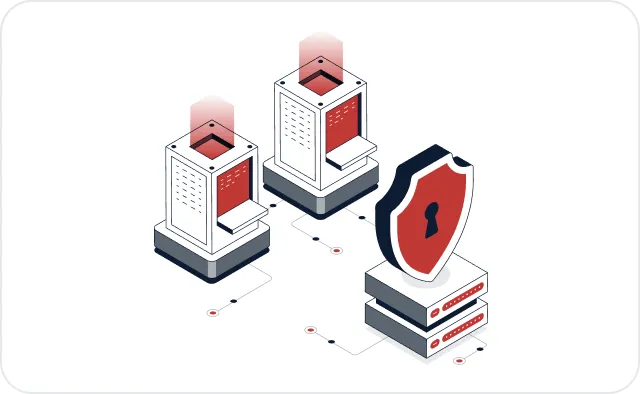
Align usage with security policies
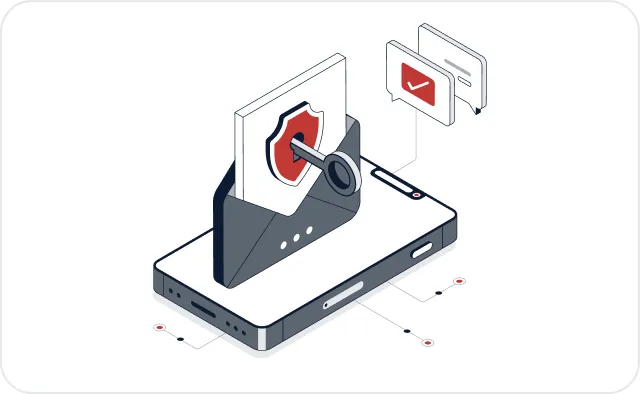
Integrate tools responsibly
No hype. No shortcuts. Just controlled, intentional adoption.
AUTHORITY
Trusted Since 1990_
PC HELP has supported businesses for over three decades.
That longevity reflects one thing:
"We stay because we’re trusted to get it right."
Our approach is:
Practical
Steady
Focused on real operations
We’ve helped businesses navigate:
Growth
System changes
Security concerns
Increasing complexity
Technology should be understood — not endured.
Our Process
How Engagement Works
01
Technology Risk Assessment
Systems
Security posture
Gaps and dependencies
02
Strategic IT Plan
Priorities
Improvements
Clear direction
03
Ongoing Oversight
System management
Vendor coordination
Risk monitoring
You gain clarity, structure, and accountability.
ICP
Who This Is Designed For
PC HELP is built for businesses that:
2-20 employees for SMBs
20-100 employees for light manufacturing
Rely heavily on technology
Do not have internal IT leadership
Need structure, not just support
If you're looking for occasional IT help, this likely isn’t the right fit.
OPERATIONS & IT STRATEGY
Is Your Business Outgrowing Its Current IT Support?
If you’re starting to notice:
Recurring issues instead of resolved ones
Uncertainty around cybersecurity
Too many vendors, not enough coordination
Technology decisions being made without a plan
It may not be a support problem. It may be a leadership gap.
Find Out in 2 Minutes
Take a quick diagnostic to identify gaps in your IT strategy, leadership, and systems.
OPERATIONS & IT STRATEGY
Technology Has Become Too Important
to Operate Without Leadership
PC HELP has helped businesses manage that responsibility since _1990_.
If you’re starting to question your current approach,
it’s worth getting a clear, objective view.

A structured conversation

Clear answers

No pressure



